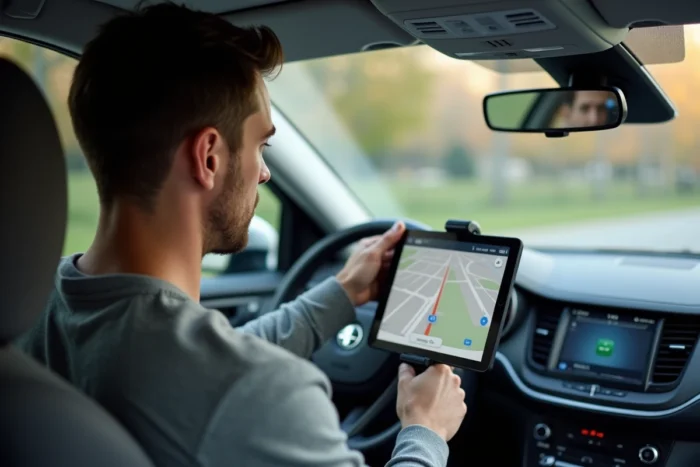
Android Auto and CarPlay are designed to work on vehicle embedded screens, not on tablets. Google has confirmed that the current version of Android Auto is strictly reserved for car screens and can no longer be used as a standalone app on a smartphone or tablet screen. This official restriction, documented until July 2026, pushes users towards workaround solutions whose reliability and legality vary.
Android Auto on tablet: what Google blocks and why
The confusion comes from an old “driving mode” that Android Auto offered directly on the phone’s screen. This mode has been removed. Today, Android Auto requires a compatible embedded screen to display. An Android tablet, even mounted on the dashboard, is not recognized as a car screen by the system.
The communication protocol between the smartphone and the screen goes through USB or Wi-Fi according to a precise handshake. The tablet does not meet the hardware and software criteria expected by Android Auto. Google locks this chain for certification and road safety reasons: a certified car screen complies with brightness, font size, and interaction limitation constraints that consumer tablets do not guarantee.
Those who wish to use Android Auto or CarPlay on an Android tablet must therefore go through third-party applications that emulate the role of an embedded screen.
Headunit Reloaded and alternatives: emulating an embedded screen on Android tablet
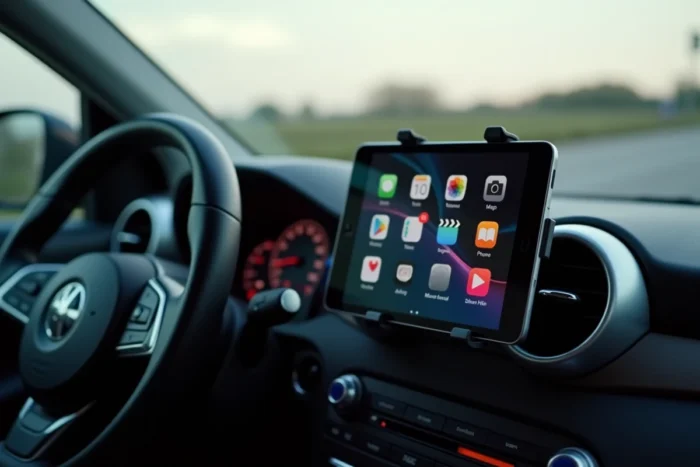
The most documented application to bypass this limitation is called Headunit Reloaded (also known as Headunit Revived). Its principle: transform the Android tablet into a receiver that pretends to be a car screen in the eyes of the smartphone.
Technical operation
The smartphone runs Android Auto normally. The tablet, via Headunit Reloaded, receives the video and audio stream via USB cable or Wi-Fi. The smartphone “thinks” it is connected to a compatible car radio. The tablet then displays the Android Auto interface with navigation, music, and messaging.
- The wired connection (USB OTG) remains the most stable: it avoids Wi-Fi dropouts and audio latency issues that occur wirelessly
- The wireless connection requires a smartphone running Android 11 or higher with 5 GHz Wi-Fi, the same prerequisites as for native wireless Android Auto in cars
- The application requires specific permissions (screen overlay, USB access) and sometimes the disabling of certain battery optimization features on the tablet
Field feedback varies on long-term stability. Some users report frequent disconnections after Android Auto updates, as Google regularly modifies the communication protocol. Each Android Auto update can break compatibility with Headunit Reloaded, forcing users to wait for a fix from the third-party developer.
CarPlay on Android tablet: the case of dongles
For CarPlay, the situation is different. An iPhone cannot natively project CarPlay to an Android tablet. Dongles like those from Carlinkit position themselves as adapters: they receive the wireless CarPlay signal from the iPhone and convert it into a video stream usable by the tablet via a dedicated application.
The dongle acts as a bridge between the Apple ecosystem and the Android tablet. The result visually resembles CarPlay, but it is not an implementation certified by Apple. Limitations include resolution, touch responsiveness, and the absence of certain functions like Siri Eyes Free in its full version.
Stability, updates, and concrete risks of an unofficial installation
Beyond the initial workaround, the question of durability arises. These third-party solutions rely on reverse engineering of the Android Auto or CarPlay protocol. They work until an operating system or official application update modifies the protocol.
Several points deserve a clear evaluation before diving in:
- Applications like Headunit Reloaded are not on the official Play Store: they are downloaded from external sources (SourceForge, developer’s site), which means enabling installation from unknown sources
- The USB OTG connection depends on the tablet’s USB controller: not all models handle the USB host mode required for operation correctly
- The heat generated by a tablet exposed to sunlight on a dashboard degrades performance and battery life, an issue that factory embedded screens manage with dedicated cooling circuits
- No car manufacturer warranty covers malfunctions related to a third-party system connected to the vehicle’s USB port
None of these solutions are certified by Google or Apple. In case of a problem (navigation crash while driving, audio loss during a call), the responsibility lies entirely with the user.
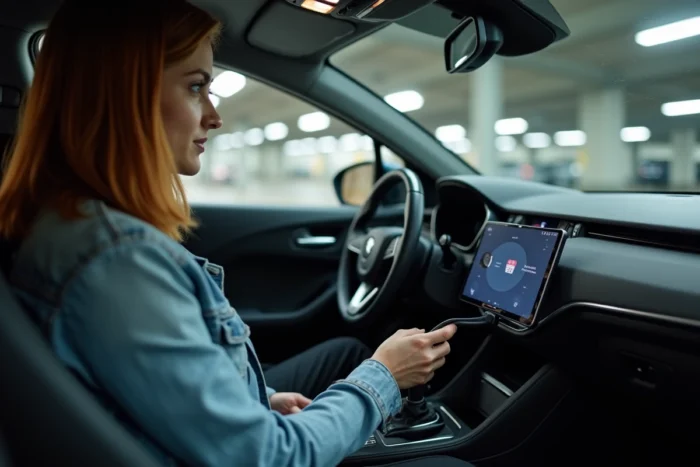
Compatible Android car radio versus DIY tablet: which choice for which use
The Android tablet repurposed as a CarPlay or Android Auto screen is appealing due to its low cost, especially when recycling an old device. However, a 2 DIN car radio compatible with native Android Auto offers an integration that the tablet cannot replicate.
The car radio integrates into the vehicle’s electrical harness. It turns on and off with the ignition. It manages volume through steering wheel controls. The tablet requires manual startup and separate power management. A permanent power cable or an automatic startup system must be planned, adding complexity.
For an older vehicle without any multimedia system, the tablet can serve as a temporary solution. For reliable daily use, the compatible car radio remains the most coherent choice over time, despite a higher acquisition and installation cost.
The distinction between Android Auto (projection from a smartphone) and Android Automotive (integrated operating system in the vehicle) adds a layer of confusion. Android Automotive does not project onto a tablet: it runs natively in the manufacturer’s embedded system. The two technologies share a name and visual interface, but not at all the same technical architecture.
The landscape is evolving rapidly. Wireless adapters are multiplying, updates regularly break third-party solutions, and both Google and Apple are gradually tightening control over their protocols. Anyone choosing the tablet route must accept a share of regular maintenance and technical uncertainty that official solutions eliminate.